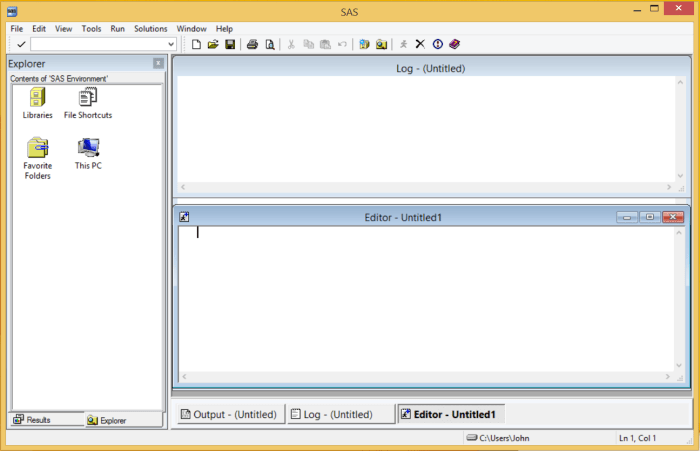
This page presents a brief explanation of how to run a program in SAS 9.4. First, make sure you are running SAS itself rather than SAS Enterprise Guide. The starting screen should resemble Fig. 1 below.
Use the File menu to navigate to a directory/folder containing a SAS program, in this case bark_beetle_experiment.sas from Chapter 11 of the textbook, and open the file. The program will be load into the Editor window (see Fig. 2).
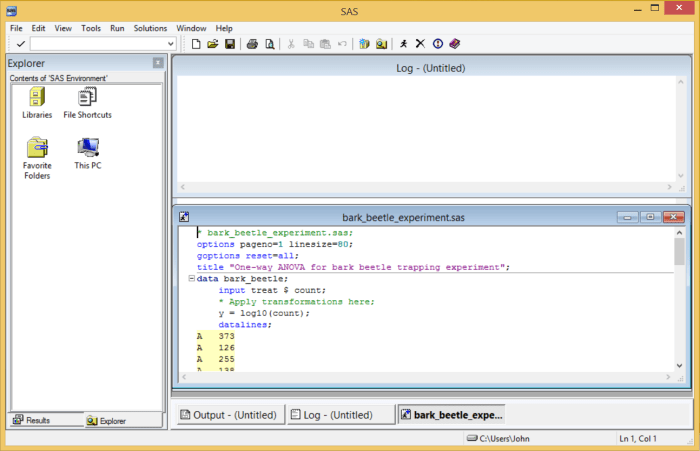
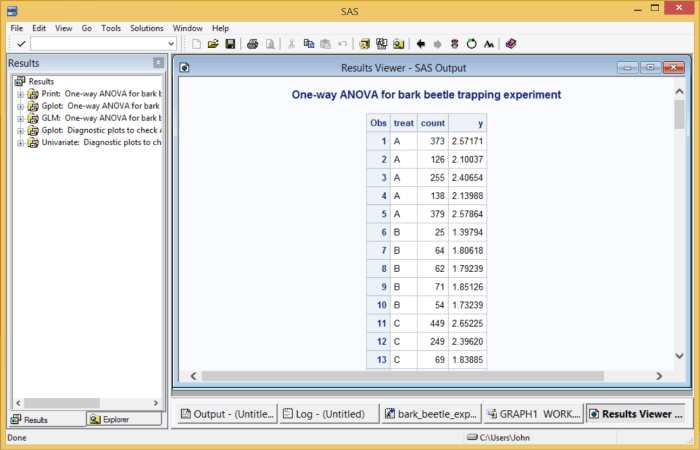
Note that the editor color-codes different parts of the program, which is useful in finding syntax errors. To run the program, click on the Submit button ( ) at the top of the main window. You will then receive some output, as shown in Fig. 3 below. SAS can generate formatted html output, which is displayed in the Results Viewer window. This combines all the statistical output and graphs generated by the program. The Results pane on the left-hand side allows you to navigate to different parts of the output.
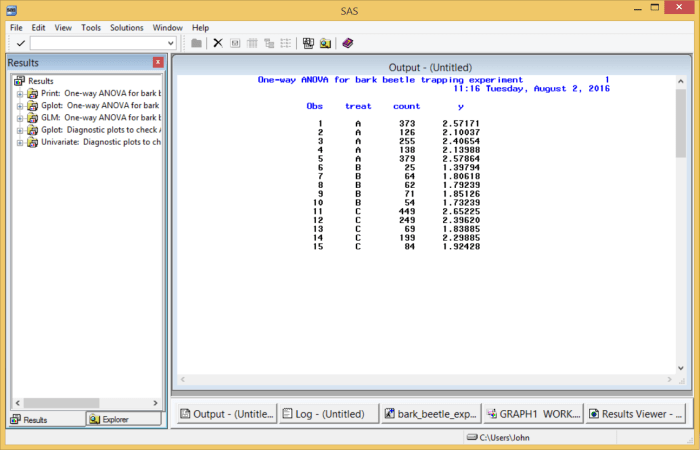
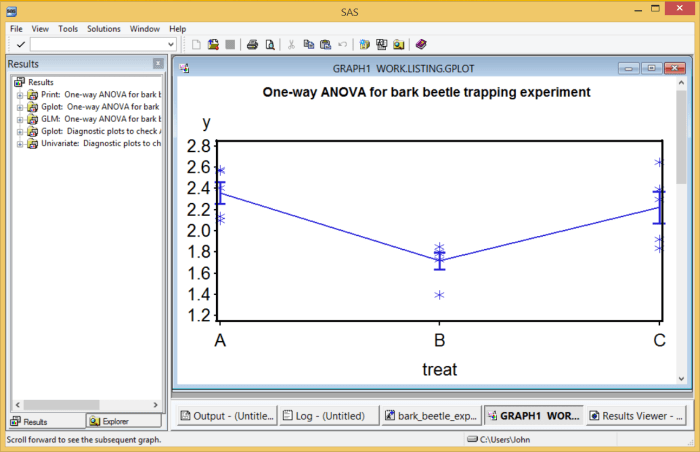
Depending on your settings, you may also get printed results in text form in the Output window, and figures in a Graph window (see Fig. 4 and 5).
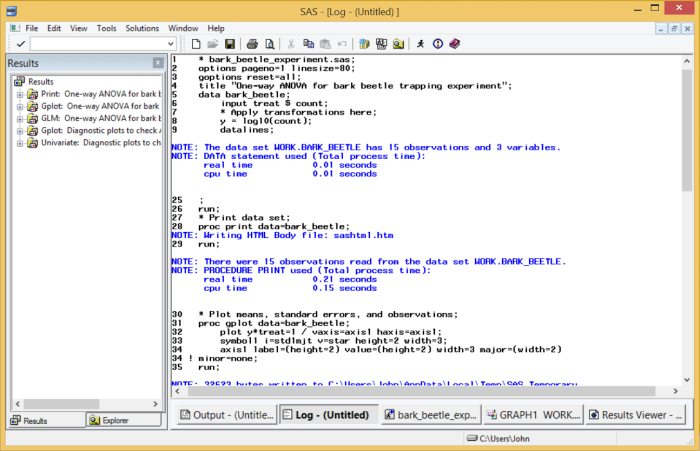
It is also useful to examine the Log window (Fig. 6). If the program fails to run, this window will show where SAS thinks the error occurred. The program ran correctly in this case. Some information is provided on the number of observations and variables generated in the program as well as execution time.
 biostatisticsjdreeve